
Getting Started
Set up your first game.
All you need to get started is a first scene and a few friends.
From signup to session
-

Build Your World
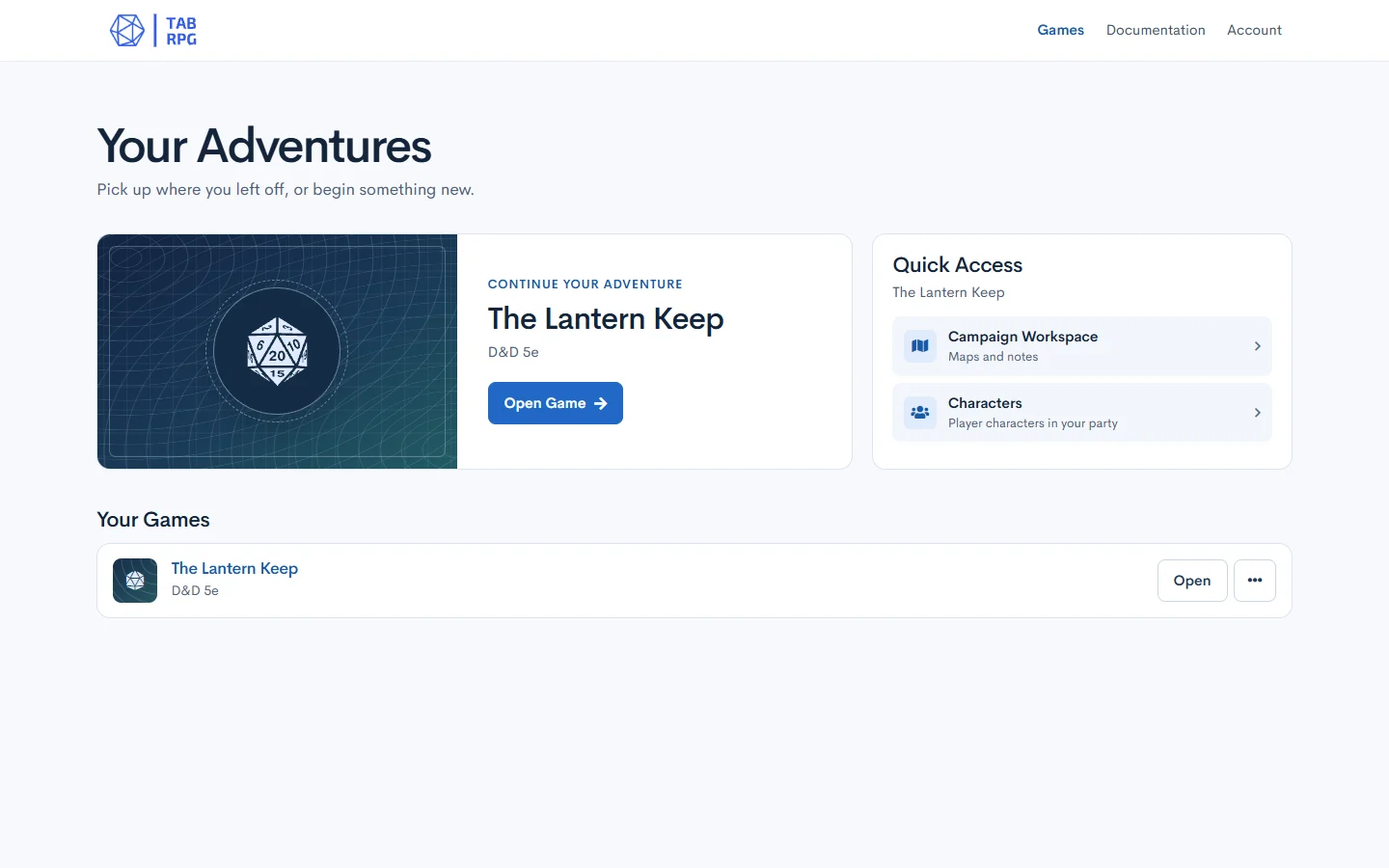
Create a Game Master account, confirm your email, and sign in. From Your Adventures, choose Create Your First Game. Name the game, its campaign, and its first map, then choose a game access key. Open Campaigns from the game menu to prepare the map.
-

Gather the Party
On Game Home, use Add Character under Your Party if your account has character creation access. Copy the character links from Player Access and privately share each link with the game access key. Players join without creating accounts.
-

Play Your Story
Choose Open Gameboard on Game Home to see the shared board. Use the campaign workspace to manage the map and the encounter as you play.
New to tabletop RPGs?
The Game Master describes a place and plays the people and creatures the party meets. Each player describes what their character tries to do. When the outcome is uncertain, your group’s rules tell you when to roll dice.
For a first session, agree on the kind of story everyone wants and start with a choice. Maybe a lantern is still burning in an abandoned keep. Who investigates the door, and who checks for another way inside?
Browse the full documentation